ZoomのAndroid版アプリでバーチャル背景が利用可能に
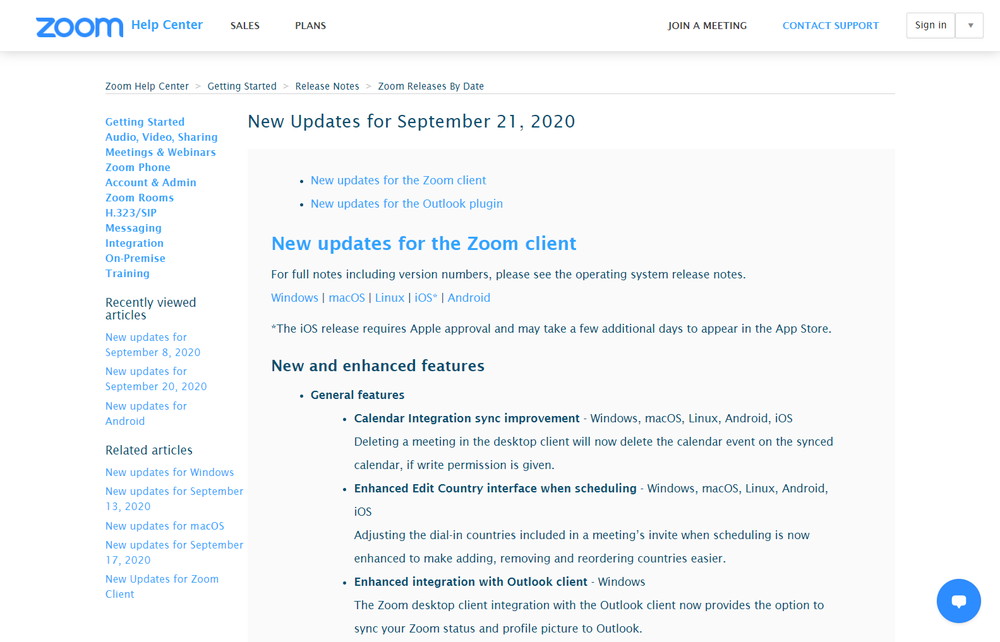
Zoomは、2020年9月21日にWindowsやmacOSでのフィルター機能やAndoridアプリでのバーチャル背景機能をリリースしました。
スポンサードサーチ
Zoomは、2020年9月21日にWindowsやmacOSでのフィルター機能やAndoridアプリでのバーチャル背景機能をリリースしました。
2020年9月21日にリリースされた新機能及び拡張機能
2020年9月21日にリリースされた新機能及び拡張機能のうち、主なものは以下の通り。
既存機能の変更
カレンダー統合の同期の改善 -Windows、macOS、Linux、Android、iOS
Calendar Integration sync improvement – Windows, macOS, Linux, Android, iOS
Zoom:New updates for September 21, 2020
Deleting a meeting in the desktop client will now delete the calendar event on the synced calendar, if write permission is given.
デスクトップクライアントで会議を削除すると、書き込み権限が付与されている場合には、同期されているカレンダーイベントが削除されるようになりました。
スケジュール作成時の国の編集インターフェースの強化 -Windows、macOS、Linux、Android、iOS
Enhanced Edit Country interface when scheduling – Windows, macOS, Linux, Android, iOS
Zoom:New updates for September 21, 2020
Adjusting the dial-in countries included in a meeting’s invite when scheduling is now enhanced to make adding, removing and reordering countries easier.
会議スケジュールの招待でダイヤルインの国の調整する際に、国の追加、削除、並べ替えが簡単になりました。
Outlookクライアントとの統合強化 -Windows
Enhanced integration with Outlook client – Windows
Zoom:New updates for September 21, 2020
The Zoom desktop client integration with the Outlook client now provides the option to sync your Zoom status and profile picture to Outlook.
OutlookクライアントとZoomデスクトップクライアントの統合には、Zoomステータスとプロフィール画像をOutlookに同期するオプションが用意されています。
スタジオエフェクト -Windows、macOS
Studio Effects – Windows, macOS
Users can now apply eyebrows, mustache and beard, and lip color filters as part of their video appearance. This feature is currently in beta.
Zoom:New updates for September 21, 2020
ベータ版の機能ですが、ユーザーは、眉、口ひげとあごひげ、唇のカラーフィルターをビデオで利用できるようになりました。
デフォルト設定による強化されたスケジュール -Windows、macOS、Linux、Android、iOS
Enhanced scheduling with default settings – Windows, macOS, Linux, Android, iOS
Zoom:New updates for September 21, 2020
Scheduling a new meeting will always check the user’s web settings and use those as the default. Any changes from the default will be saved for that meeting only.
新しい会議のスケジュールを設定すると、常にユーザーのWeb設定がチェックされ、デフォルトとして使用されます。デフォルトからの変更は、その会議にのみ保存されます。
共有デバイスのオーディオ – Android
Share Device Audio – Android
Zoom:New updates for September 21, 2020
Mobile users can now share device audio in a meeting through the mobile app. Note: Not all mobile apps support their audio being shared, so functionality will vary.
携帯電話のユーザーは、モバイルアプリ経由の会議で、デバイスのオーディオを共有することができます。注:すべてのモバイルアプリがオーディオの共有をサポートしているわけではないため、機能は異なります。
Androidのバーチャル背景のサポート -Android
Virtual Background support for Android – Android
Android users can now utilize the virtual background feature. This feature requires Android 8.0 or higher and a processor with 8 or more cores. Supported processors include Qualcomm 835, Samsung Exynos 9810 and Huawei Kirin 980.
Zoom:New updates for September 21, 2020
Androidユーザーも、バーチャル背景機能を利用できるようになりました。この機能には、Android 8.0以降と8コア以上のプロセッサが必要です。サポートされるプロセッサーには、Qualcomm 835、Samsung Exynos 9810、Huawei Kirin 980が含まれます。
MSI / GPOオプションの追加 -Windows、macOS
Additional MSI/GPO Options – Windows, macOS
Zoom:New updates for September 21, 2020
MDM経由でデスクトップクライアントをアンインストール -macOS
Uninstall desktop client via MDM – macOS
Zoom:New updates for September 21, 2020
会議機能
自分でブレイクアウトルームの選択
Self-select Breakout Room – Windows, macOS, Linux, Android, iOS
Zoom:New updates for September 21, 2020
The host can now create breakout rooms with the option for participants to self-select which breakout room they would like to join. If enabled, participants can move freely between breakout rooms, without needing the host’s help.
会議の主催者は、参加者が参加したいブレイクアウトルームを自分でで選択できるオプションを備えたブレイクアウトルームを作成できるようになりました。これを有効にすると、参加者は会議の主催者の助けを必要とせずに、ブレイクアウトルームを自由に移動できます。
Microsoft SharePointとのファイルの共有 -Windows、macOS
Share files with Microsoft SharePoint – Windows, macOS
Zoom:New updates for September 21, 2020
Attendees can now share files from SharePoint directly through in-meeting chat.
参加者は、ミーティング中のチャットを通じてSharePointから直接ファイルを共有できるようになりました。
チャット機能
IMリストをチャットボットから隠す- Windows, macOS, Android, iOS
Hide chat bots in IM list – Windows, macOS, Android, iOS
Zoom:New updates for September 21, 2020
Users can hide chat bots deployed by their admin they do not have use for.
ユーザーは、管理者が使用していないチャットボットを非表示にできます。
IMチャットリンクの右クリックメニュー – Windows, macOS, Android, iOS
Right-click menu for links in IM chat – Windows, macOS, Android, iOS
Zoom:New updates for September 21, 2020
Right-clicking a link will now display a menu, providing options to copy or open the link.
リンクを右クリックするとメニューが表示され、リンクをコピーまたは開くオプションが表示されます。
改善された画像プレビューと画像ビューア – Windows, macOS, Android, iOS
Improved image preview and image viewer – Windows, macOS, Android, iOS
Zoom:New updates for September 21, 2020
Images sent in IM chat integrate better with sent text, and images will open within the Zoom desktop client’s new image viewer.
IMチャットで送信された画像はテキストと統合され、画像はZoomデスクトップクライアントの新しい画像ビューア内で開きます。
拡張リンクプレビュー -Windows、macOS、Android、iOS
Enhanced Link Preview – Windows, macOS, Android, iOS
Zoom:New updates for September 21, 2020
Zoom meeting links will now show more details, such as meeting name, ID, start time, Join button, and meeting duration when done.
Zoomでのミーティングリンクに、ミーティング名、ID、開始時間、参加ボタン、ミーティングの所要時間などの詳細が表示されるようになりました。
強化された検索 -Windows、macOS、Android、iOS
Enhanced Search – Windows, macOS, Android, iOS
Zoom:New updates for September 21, 2020
Desktop users can filter by Order, Sent by, and date filters for file search. Mobile users can filter by Order for file search. All image search results will display as thumbnail previews. Channel and contact results will also be split into their own categories. Users can also clear the list of recent searches.
デスクトップユーザーは、順番、送信者、日付で検索できます。モバイルユーザーは、順番で検索できます。すべての画像検索結果は、サムネイルプレビューとして表示されます。チャネルと連絡先も独自のカテゴリに分割されます。ユーザーは最近の検索のリストをクリアすることもできます。
画像やファイルを未読にする -Windows、macOS、Android、iOS
Mark as Unread for images and files – Windows, macOS, Android, iOS
Zoom:New updates for September 21, 2020
Transferred files and images can also be marked as unread.
転送されたファイルや画像を未読にすることもできます。
2020年9月21日以前にリリースされた新機能と拡張機能
2020年9月21日以前にもマイナーなアップデートが行われています。
管理者機能
Manage external contacts
New updates for September 20, 2020
Account owners and admins can now view external contacts associated with their account, as well as their account’s channels that these external contacts are a part of.
外部連絡先の管理として、アカウントの所有者と管理者は、自分のアカウントに関連付けられている外部連絡先と、これらの外部連絡先が含まれているアカウントのチャネルを表示できるようになりました。
SSOやメールアドレスとパスワードでログインするユーザーを指定
Specify users to bypass SSO and login with email address and password
New updates for September 20, 2020
Account owners and admins can now allow specified users to bypass SSO and login with an email address and password, for service accounts or internal IT purposes.
アカウントの所有者と管理者は、サービスアカウントや内部の指定されたユーザーから、SSO(Single Sign On)やメールアドレスとパスワードでログインするユーザーを指定することができるようになりました。
スポンサードサーチ
関連記事
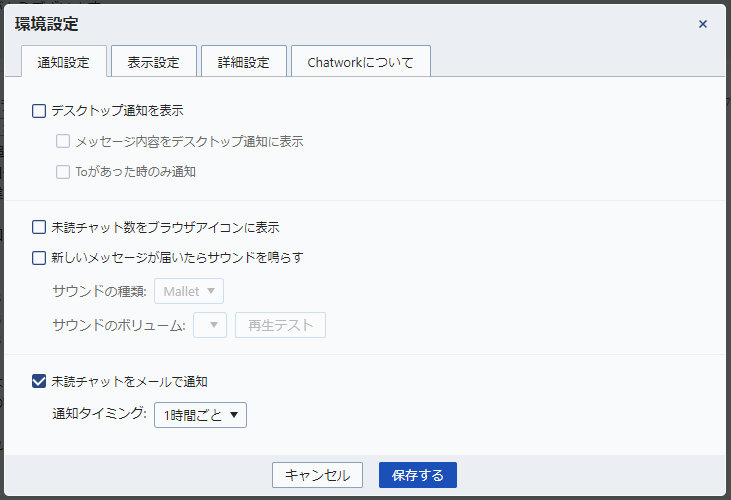
ZoomなどのWeb会議中に通知音で音声が途切れるのを防ぐ設定
ZoomやMeetなどでWeb会議をしているとき、最近デスクトップアプリなどの通知音が鳴ると、Web会議システムの音声が途切れてしばらく相手の会話が全く聞こえなくなってしまうことがありした。
続きを読む →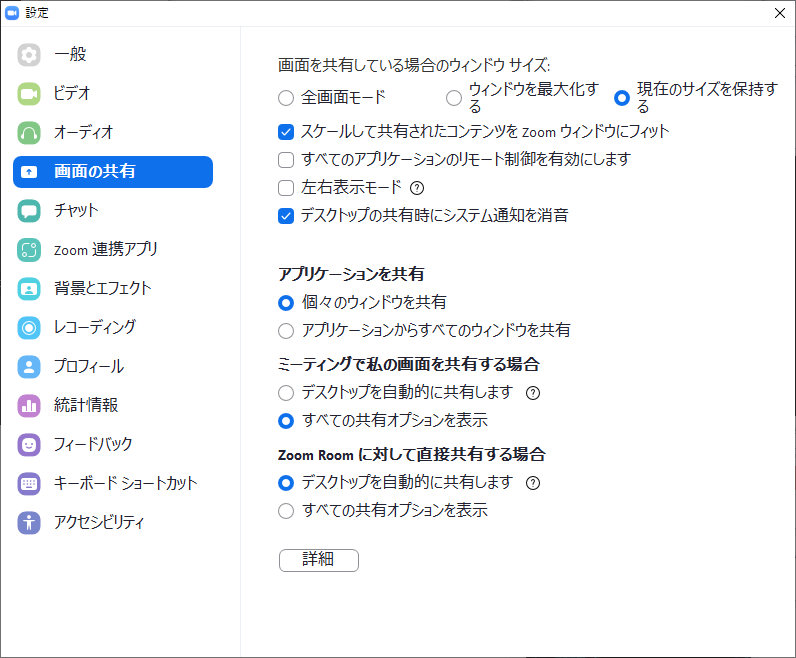
Zoomで画面共有が開始されると自動的に全画面表示になってしまうのを防ぐ方法
Web会議のシステムでは、Google MeetやMicrosoft Teamsよりも最近では利用されることが多いZoom。 Zoomは他のサービスと比較して、ネットリテラシーが高い方でなくても簡単に使えるので大変便利で […]
続きを読む →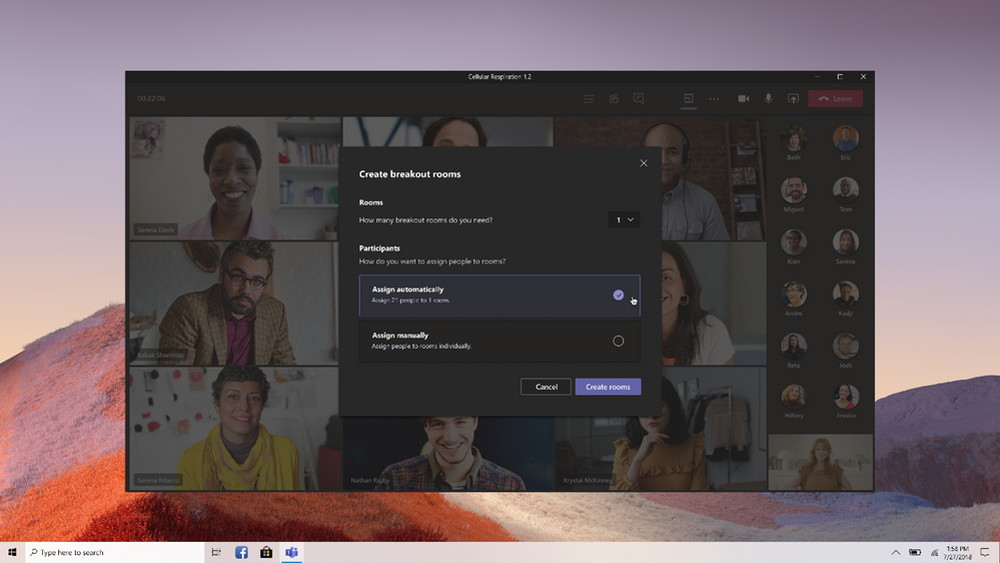
Microsoftが「Microsoft Teams」のブレイクアウトルーム機能を正式リリース
Microsoftは、2020年12月10日に「Microsoft Teams」のブレイクアウトルーム機能を正式リリースしました。
続きを読む →
Google Meetに参加リクエストをまとめて承認する機能が追加
Googleは、Google Meetで2020年11月4日に保留中のすべてのノックを一括で受け付ける機能を追加しました。
続きを読む →