Zoomが8月2日から5日まで立て続けに各OS向けの5.2をリリースし新機能及び拡張機能を追加
Zoomは、2020年8月2日から5日にかけて、立て続けに各OS向け5.2のリリースを行いました。
スポンサードサーチ
Zoomは、2020年8月2日から5日にかけて、立て続けに各OS向け5.2のリリースを行いました。
各アップデート内容は、数が多いのと重複も多いので、項目の見出しだけとしています。
2020年8月2日にリリースされた新機能及び拡張機能
2020年8月2日にリリースされたのは、Web版の機能とバグ修正。
Setting for Video Filters
Zoom:New updates for Web
Account owners and admins can enable or disable a setting for video filters, which allows meeting participants to use filters to alter the look of their video with color grading, foreground and frame filters. If the meeting host has filters disabled, participants in the meeting will not be able to use filters. This setting will be on by default. It is available at the account, group, or user level and can be locked at the account or group level.
抄訳:アカウントの所有者と管理者は、ビデオフィルターの設定を有効または無効にできます。これにより、会議の参加者は、フィルターを使用して、カラーグレーディング、前景、およびフレームフィルターでビデオの外観を変更できます。会議の主催者がフィルターを無効にしている場合、会議の参加者はフィルターを使用できません。この設定はデフォルトでオンになります。これは、アカウント、グループ、またはユーザーレベルで使用でき、アカウントまたはグループレベルでロックできます。
2020年8月3日にリリースされた新機能と拡張機能
2020年8月3日にはZoomルームがリリースされました。
既存機能の変更
・Meeting and webinar passwords now called Passcodes – Windows, macOS, iOS, Android, Windows Controller
Zoom:New updates for Zoom Rooms
・Cloud recording storage – Windows, macOS, iOS, Android, Windows Controller
- 会議およびウェビナーのパスワードはパスコードと呼ばれるように-Windows、macOS、iOS、Android、Windowsコントローラー
- クラウド録画ストレージ-Windows、macOS、iOS、Android、Windowsコントローラー
新機能及び拡張機能
In-meeting features(会議機能)
・Personal Zoom Rooms with Zoom Rooms Touch – Windows
Zoom:New updates for August 3, 2020
・Virtual background – Windows Controller
・Support speaker switching with MXL microphones and camera presets – Windows, macOS, iOS, Android, Windows Controller
・Hand off a Zoom Phone call – Windows, macOS
・Meeting history – Windows
・Attendee audio status – Windows, macOS
・Admitting external attendees – Windows, macOS, iOS, Android, Windows Controller
・Original sound – Windows, macOS
・Check out – Windows, macOS, iOS, Android, Windows Controller
・View In-Meeting Private chats – Windows, macOS, iOS, Android, Windows Controller
・Live transcription – Windows, macOS, iOS, Android, Windows Controller
・Language Interpretation – Windows, macOS, iOS, Android, Windows Controller
・Reactions – Windows, macOS
・Whiteboard user experience – Windows
・Unmute Zoom Rooms attendee in a webinar – Windows, macOS, iOS, Android, Windows Controller
・Select screen sharing privileges – Windows, macOS, iOS, Android
・Searching participants – Windows, Android, Windows Controller
・One click to join the audio of a Google Meet meeting – Windows, macOS, iOS, Android, Windows Controller
・Country selection when dialing – Windows, iOS, Android, Windows Controller
・Disable annotation saving – Windows, iOS, Android
- Zoomルームタッチ付きのパーソナルZoomルーム -Windows
- バーチャル背景 -Windowsコントローラー
- MXLマイクとカメラプリセットで話者切り替えをサポート -Windows、macOS、iOS、Android、Windowsコントローラー
- Zoom電話呼び出しの受け渡し-Windows、macOS
- 以前の会議履歴表示 -Windows
- 参加者の音声ステータス表示 -Windows、macOS
- 外部参加者の入場 -Windows、macOS、iOS、Android、Windowsコントローラー
- オリジナルオーディオモード-Windows、macOS
- チェックアウト機能-Windows、macOS、iOS、Android、Windowsコントローラー
- ミーティング中のプライベートチャット表示 -Windows、macOS、iOS、Android、Windowsコントローラー
- ライブでの文字起こし -Windows、macOS、iOS、Android、Windowsコントローラー
- 翻訳機能 -Windows、macOS、iOS、Android、Windowsコントローラー
- リアクション表示 – Windows、macOS
- ホワイトボードのUX(ユーザー・エクスペリエンス) -Windows
- ウェビナー出席者のミュート解除 -Windows、macOS、iOS、Android、Windowsコントローラー
- 画面共有権限の選択 -Windows、macOS、iOS、Android
- 参加者の検索 -Windows、Android、Windowsコントローラー
- ワンクリックでGoogle Meet会議の音声に参加 -Windows、macOS、iOS、Android、Windowsコントローラー
- ダイヤル時の国の選択 -Windows、iOS、Android、Windowsコントローラー
- 注釈の保存無効 -Windows、iOS、Android
Management features(管理機能)
・Cloud recording storage – Windows, macOS, iOS, Android, Windows Controller
Zoom:New updates for August 3, 2020
・Restart room controller from the web portal – Android
・Under construction – Windows, macOS, iOS, Android
・Companion whiteboard user interface – Windows, macOS
・Launch Zoom Rooms Controller from web portal – Windows, macOS
・Screen types reporting – Windows
・Digital signage content display control – Windows, macOS
・Edge swiping in Windows 10 – Windows
・Sign out from all devices – Windows, macOS, iOS, Android, Windows Controller
・Room Controls – Windows, macOS, iOS
- クラウド録画ストレージ -Windows、macOS、iOS、Android、Windowsコントローラー
- Webポータルからルームコントローラーを再起動 -Android
- 作成中表示 -Windows、macOS、iOS、Android
- コンパニオンホワイトボードのUI(ユーザーインターフェイス) -Windows、macOS
- WebポータルからZoomルームコントローラーを起動 -Windows、macOS
- 画面タイプのレポート -Windows
- デジタルサイネージコンテンツの表示制御 -Windows、macOS
- Windows 10でのエッジスワイプ無効 -Windows
- すべてのデバイスからサインアウト -Windows、macOS、iOS、Android、Windowsコントローラー
- ルームコントロール -Windows、macOS、iOS
Scheduling display features(スケジュール表示機能)
Passcode check – Windows, macOS, iOS, Android
Zoom:New updates for August 3, 2020
- パスコードチェック -Windows、macOS、iOS、Android
Controller features(コントローラー機能)
・Support for Crestron Mercury Mini
Zoom:New updates for August 3, 2020
・Support for Polycom Trio C60
・Rename participants from controller
- Crestron Mercury Miniのサポート
- Polycom Trio C60のサポート
- コントローラからの参加者の名前を変更
2020年8月4日にリリースされた新機能と拡張機能
2020年8月4日にはZoomクライアントがリリースされました。
既存機能の変更
・Meeting and webinar passwords now called Passcodes – Windows, macOS, Linux, iOS, Android
Zoom:New updates for the Zoom client
・Removed ability for external contacts to add new members to channels and group chats – Windows, macOS, Linux, iOS, Android
・Show annotator’s name by default – Windows, macOS, Linux, iOS, Android
・Removed appended space after @mentions – Windows, macOS, Linux, iOS, Android
- 会議とウェビナーのパスワードはパスコードと呼ばれるように -Windows、macOS、Linux、iOS、Android
- 外部の連絡先からチャンネルとグループチャットに新しいメンバーを追加する機能を削除 -Windows、macOS、Linux、iOS、Android
- デフォルトでアノテーターの名前を表示 -Windows、macOS、Linux、iOS、Android
- @メンションの後に追加されたスペースを削除 -Windows、macOS、Linux、iOS、Android
新機能および拡張機能
Meeting/webinar features(会議/ウェビナー機能)
・Video filters – Windows, macOS
Zoom:New updates for the Zoom client
・Share PowerPoint or Keynote as Virtual Background in Beta – Windows, macOS
・Adjust Touch Up My Appearance – macOS, Windows, iOS
・Adjust video brightness – Windows, macOS
・Improved background noise suppression – Windows, macOS
・Settings for hardware acceleration for screen sharing and whiteboard – Windows
・Toggle aspect ratio for video feeds – iOS, Android
・Support for Virtual Background on additional processors – Windows
・Support for gallery view for 49 participants on additional processors – Windows
・Share part of screen – Linux
- ビデオフィルター -Windows、macOS
- PowerPointまたはKeynoteをバーチャル背景として共有するベータ版機能 -Windows、macOS
- タッチアップマイアピアランスの調整 -macOS、Windows、iOS
- ビデオの明るさ調整-Windows、macOS
- 改善された背景ノイズ抑制 -Windows、macOS
- 画面共有およびホワイトボードのハードウェアアクセラレーションの設定 -Windows
- ビデオフィードのアスペクト比の切り替え-iOS、Android
- 追加プロセッサでのバーチャル背景のサポート -Windows
- 追加プロセッサで49人の参加者のギャラリービューをサポート -Windows
- 画面の一部を共有 -Linux
Meeting features(会議機能)
・Share files with Microsoft SharePoint – Windows, macOS
Zoom:New updates for the Zoom client
・Improved Waiting Room notifications – macOS, windows, linux, android, iOS
・Additional meeting reactions – Windows, macOS, iOS, Android
・Removed ability for external contacts to add new members to channels and group chats – Windows, macOS, Linux, iOS, Android
・Invite members by channel or organization – Windows, macOS, iOS, Android
・Record and send a voice message – Windows, macOS
・Manage channel posting permissions – Windows, macOS, Android, iOS
・Improved user and channel mentions search and selection – Android, iOS
・Improved chat message editing – Android, iOS
・Microsoft SharePoint File Storage Integration – Windows, macOS, Android, iOS
・Mute channel notifications – Windows, macOS, Android, iOS
・Indicator when user is typing – Android, iOS
・Ability to receive contact requests when chat is disabled – Android, iOS
・Support first name only for @mentions – Windows, macOS, Android, iOS
- Microsoft SharePointとのファイル共有 -Windows、macOS
- 待合室の通知の改善-macOS、windows、linux、android、iOS
- 会議への反応を追加 -Windows、macOS、iOS、Android
- 外部の連絡先からチャンネルとグループチャットに新しいメンバーを追加する機能を削除 -Windows、macOS、Linux、iOS、Android
- チャンネルまたは組織ごとにメンバーを招待 -Windows、macOS、iOS、Android
- 音声メッセージの録音と送信 -Windows、macOS
- チャンネル投稿権限の管理 -Windows、macOS、Android、iOS
- ユーザーとチャンネルのメンション検索と選択の改善-Android、iOS
- チャットメッセージ編集の改善-Android、iOS
- Microsoft SharePointファイルストレージ統合 -Windows、macOS、Android、iOS
- チャンネル通知のミュート -Windows、macOS、Android、iOS
- ユーザーが入力しているときのインジケーター-Android、iOS
- チャットが無効になっているときに連絡要求受信機能 -Android、iOS
- 姓のみユーザーの@メンションをサポート -Windows、macOS、Android、iOS
Phone features(電話機能)
・Transfer call to any meeting – macOS, Windows, Linux, iOS, Android
Zoom:New updates for the Zoom client
・Hot key support – macOS, Windows, Linux
・View transcriptions of call recordings – macOS, Windows, Linux, iOS, Android
・Combined search results for extension and direct numbers – macOS, Windows, Linux, iOS, Android
・Icons for call quality and encryption – macOS, Windows, Linux, iOS, Android
- 会議への通話転送 -macOS、Windows、Linux、iOS、Android
- ホットキーのサポート -macOS、Windows、Linux
- 通話録音の文字起こし -macOS、Windows、Linux、iOS、Android
- 内線番号と直通番号の検索結果組み合わせ-macOS、Windows、Linux、iOS、Android
- 通話品質と暗号化のアイコン-macOS、Windows、Linux、iOS、Android
General features(一般的な機能)
・Security section when scheduling a meeting – macOS, Windows, Linux, iOS, Android
Zoom:New updates for the Zoom client
・Screen reader alerts – Windows, macOS, Android, iOS
・Dark mode support – Android, iOS
・Improved video and content sharing – Windows, macOS, Android, iOS
・Improved Chat UI – Android, iOS
・Save a Multi-page Whiteboard – Windows, macOS, Linux
・Support for Split Screen Multitasking on iPad – iOS
・Sync Zoom presence to Outlook – Windows, macOS
・Set Zoom as the default communication option in Outlook – Windows, macOS
- 会議をスケジュールするときのセキュリティセクション -macOS、Windows、Linux、iOS、Android
- スクリーンリーダーアラート -Windows、macOS、Android、iOS
- ダークモードのサポート -Android、iOS
- ビデオとコンテンツの共有の改善 -Windows、macOS、Android、iOS
- チャットUIの改善-Android、iOS
- マルチページホワイトボードの保存 -Windows、macOS、Linux
- iPadの分割画面マルチタスクのサポート -のiOS
- ZoomのプレゼンスをOutlookに同期 -Windows、macOS
- OutlookのデフォルトのコミュニケーションオプションとしてZoomを設定 -Windows、macOS
2020年8月5日にリリースされた新機能と拡張機能
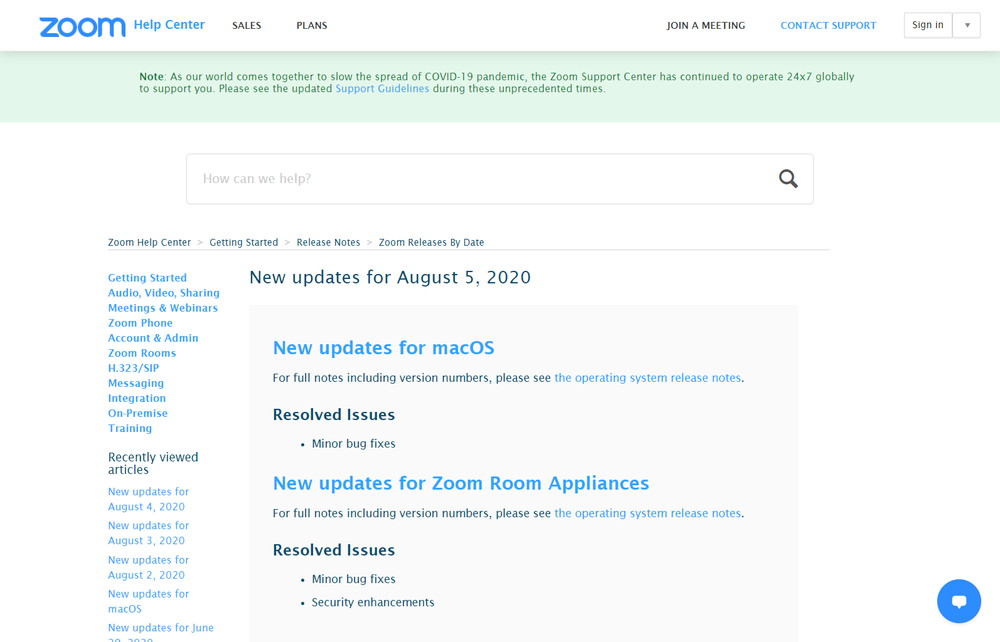
2020年8月5にはMacOS版のマイナーバグフィックスがとZoomルームのマイナーバグフィックス、セキュリティ強化のアップデートが行われました。
・Minor bug fixes
Zoom:New updates for macOS
・Minor bug
Zoom:New updates for Zoom Room Appliances
・fixesSecurity enhancements
スポンサードサーチ
関連記事
ZoomなどのWeb会議中に通知音で音声が途切れるのを防ぐ設定
ZoomやMeetなどでWeb会議をしているとき、最近デスクトップアプリなどの通知音が鳴ると、Web会議システムの音声が途切れてしばらく相手の会話が全く聞こえなくなってしまうことがありした。
続きを読む →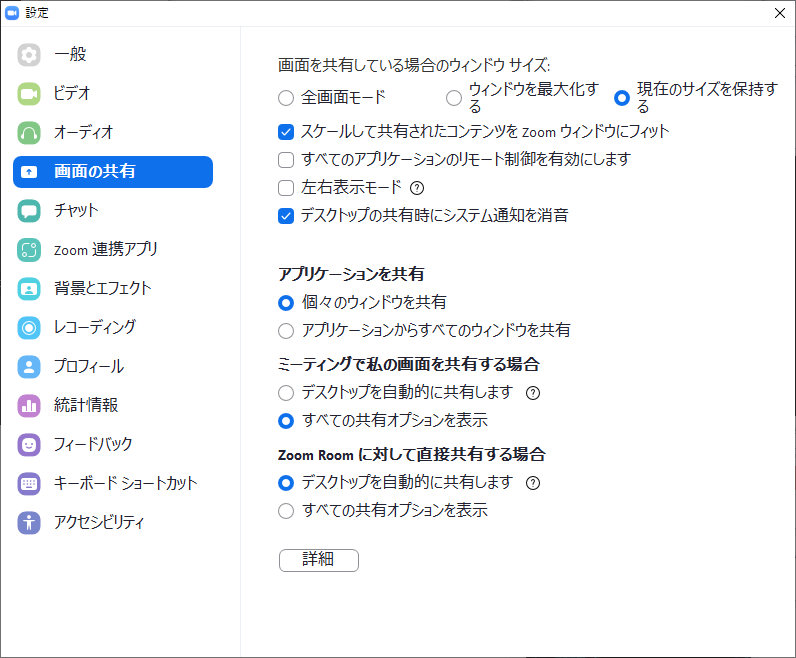
Zoomで画面共有が開始されると自動的に全画面表示になってしまうのを防ぐ方法
Web会議のシステムでは、Google MeetやMicrosoft Teamsよりも最近では利用されることが多いZoom。 Zoomは他のサービスと比較して、ネットリテラシーが高い方でなくても簡単に使えるので大変便利で […]
続きを読む →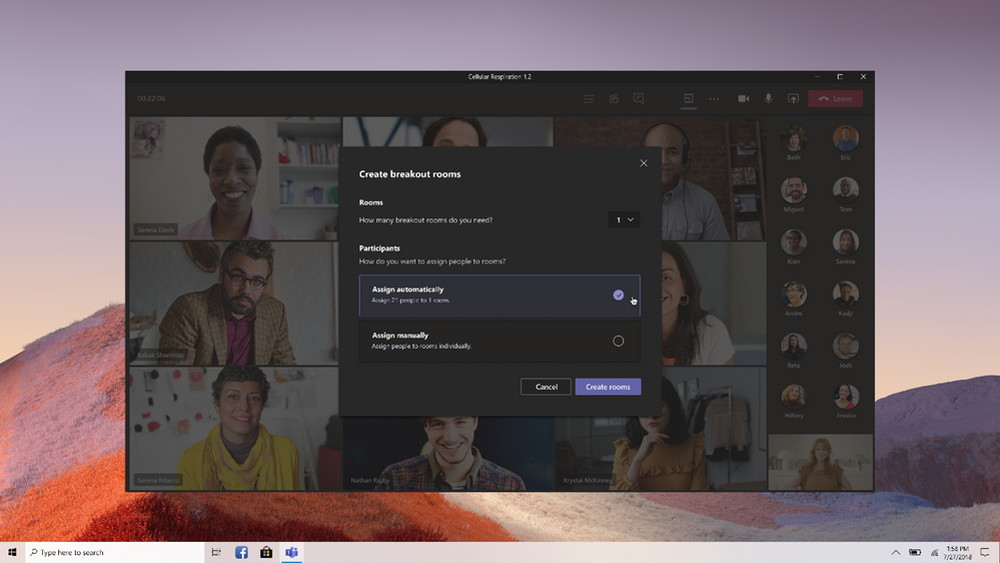
Microsoftが「Microsoft Teams」のブレイクアウトルーム機能を正式リリース
Microsoftは、2020年12月10日に「Microsoft Teams」のブレイクアウトルーム機能を正式リリースしました。
続きを読む →
Google Meetに参加リクエストをまとめて承認する機能が追加
Googleは、Google Meetで2020年11月4日に保留中のすべてのノックを一括で受け付ける機能を追加しました。
続きを読む →